
Nimo runs in your phone's browser, so there's nothing to download from an app store. Add it to your home screen once and it opens full screen, straight to Home, like any other app.
The quick way
On Android or a computer, tap Install Nimo below and then Install. On iPhone, the steps for Safari appear instead.
Free · no Play Store needed
To get a teammate set up, send them gonimo.in/app. It has the same button.
iPhone (Safari)
1
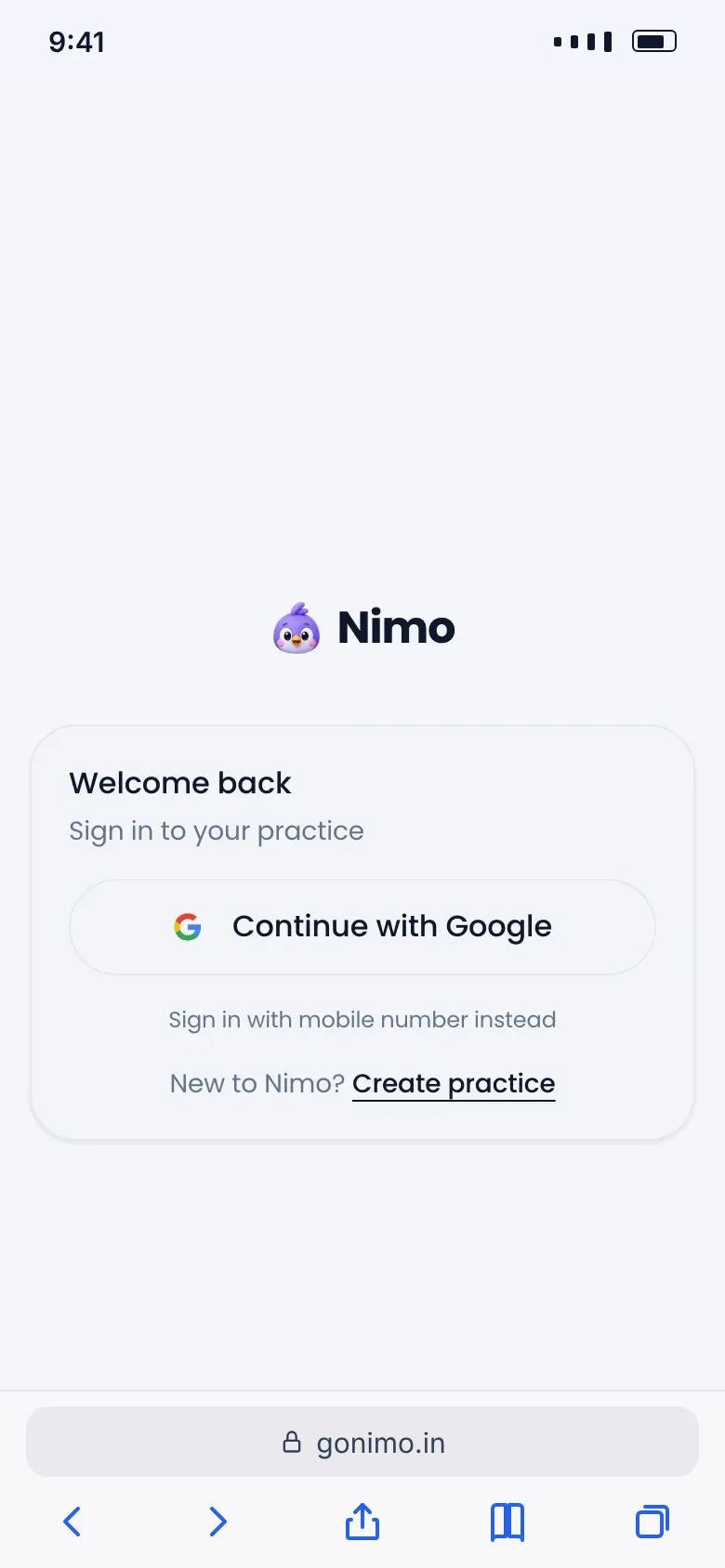
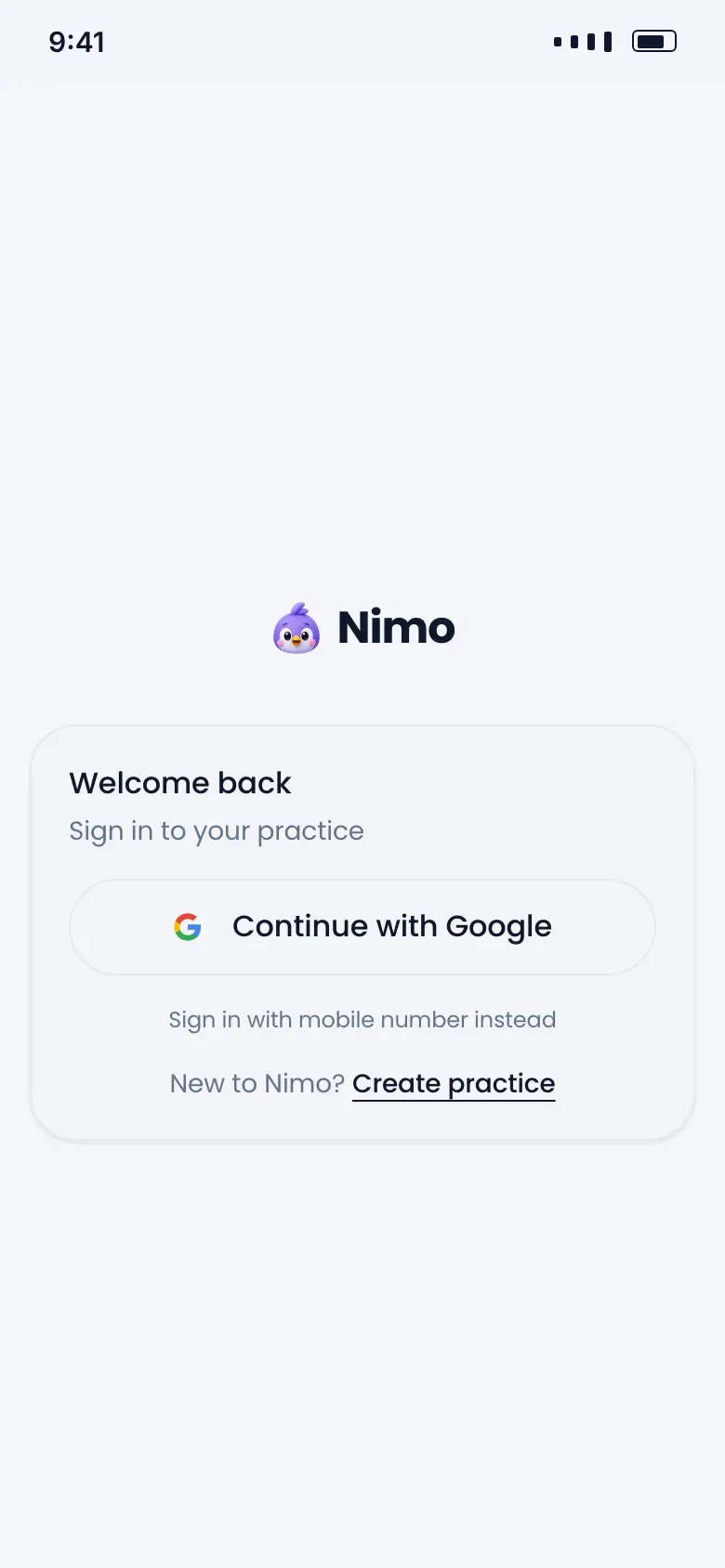
Open gonimo.in in Safari and tap Share
- Open gonimo.in in Safari and tap Share
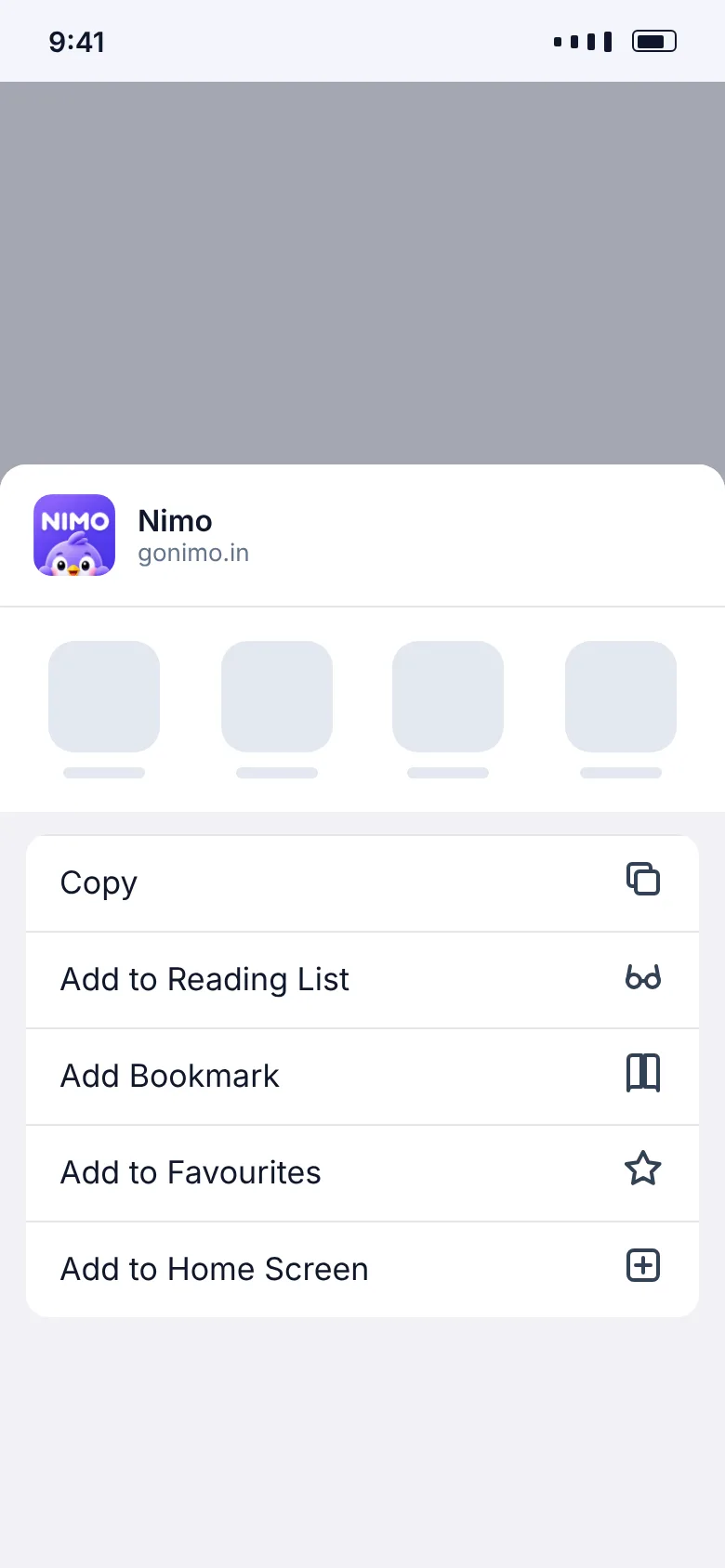
- Scroll down and tap Add to Home Screen
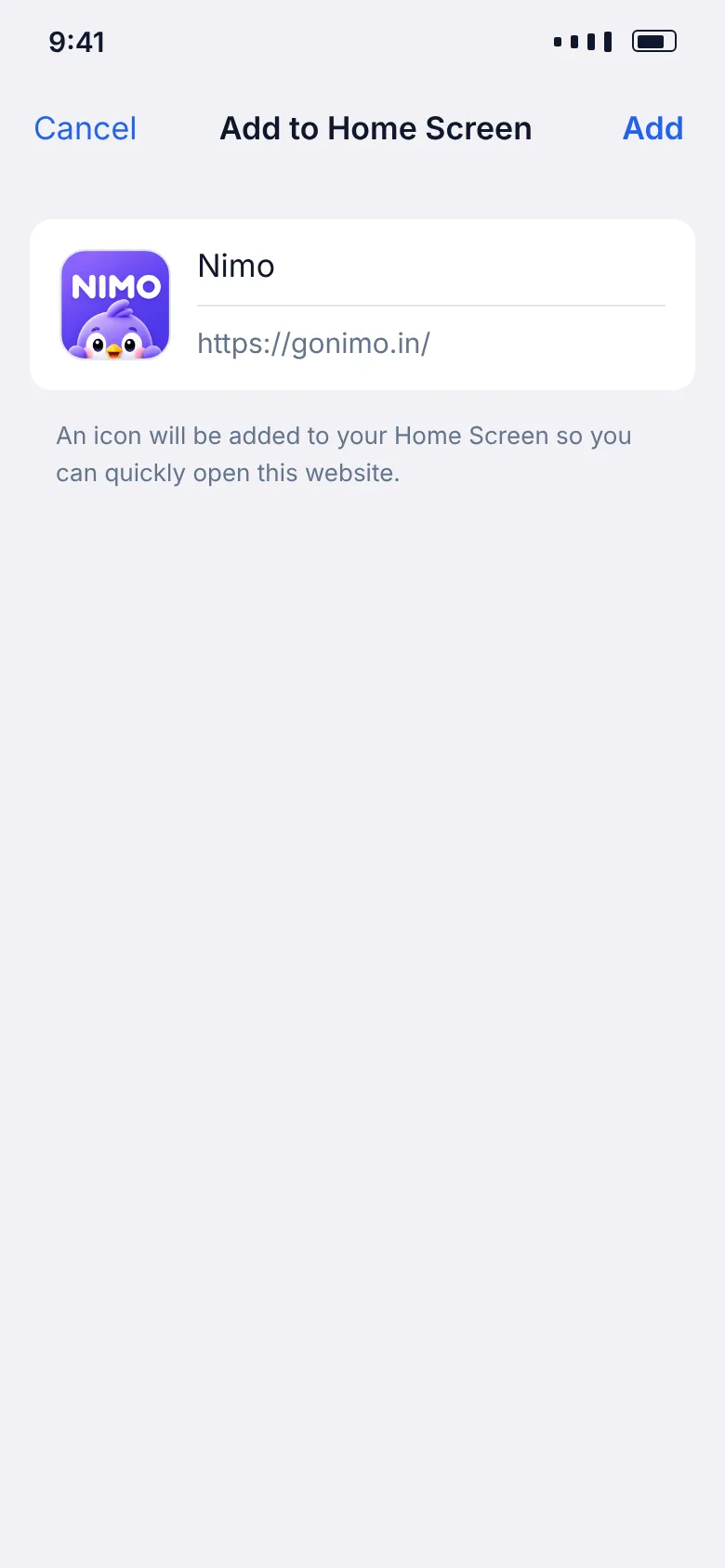
- The name says Nimo. Tap Add
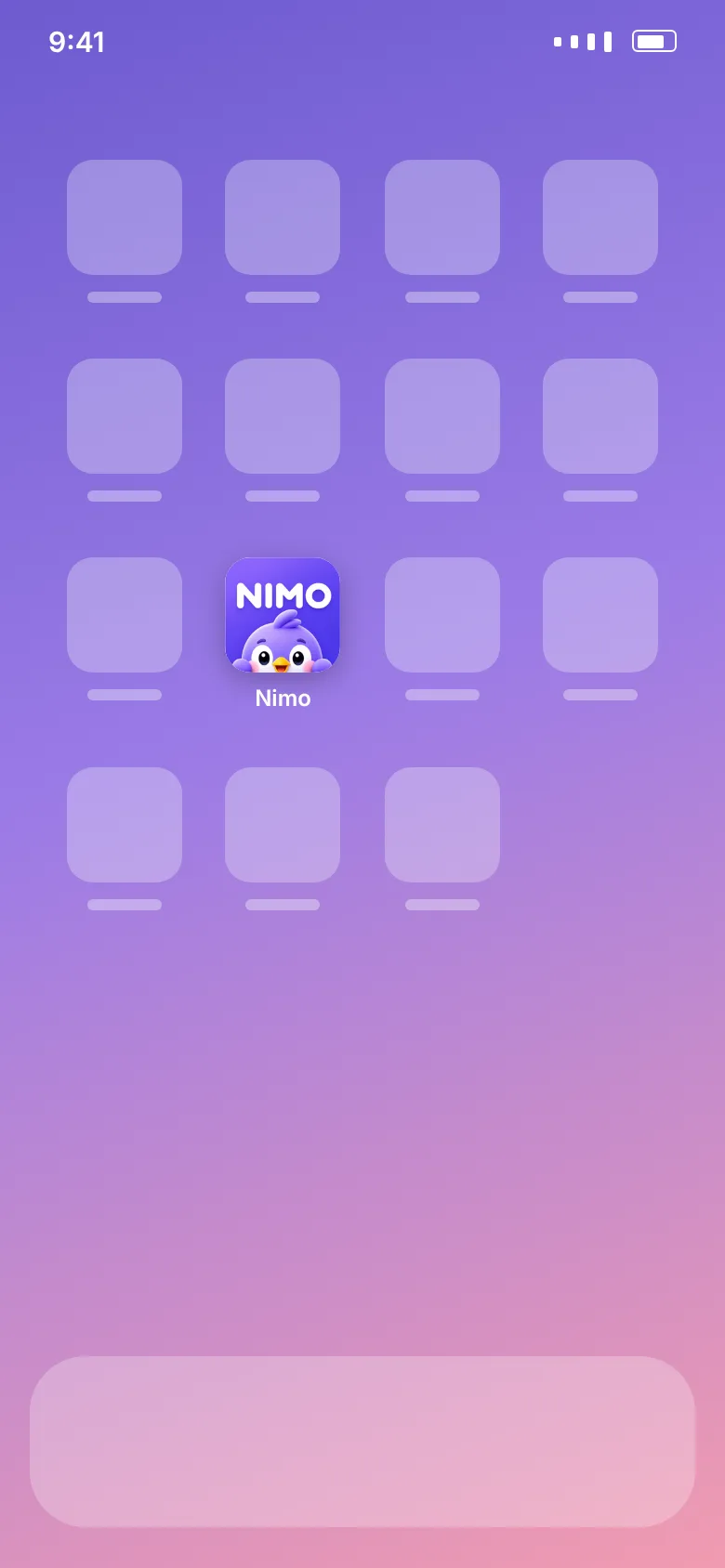
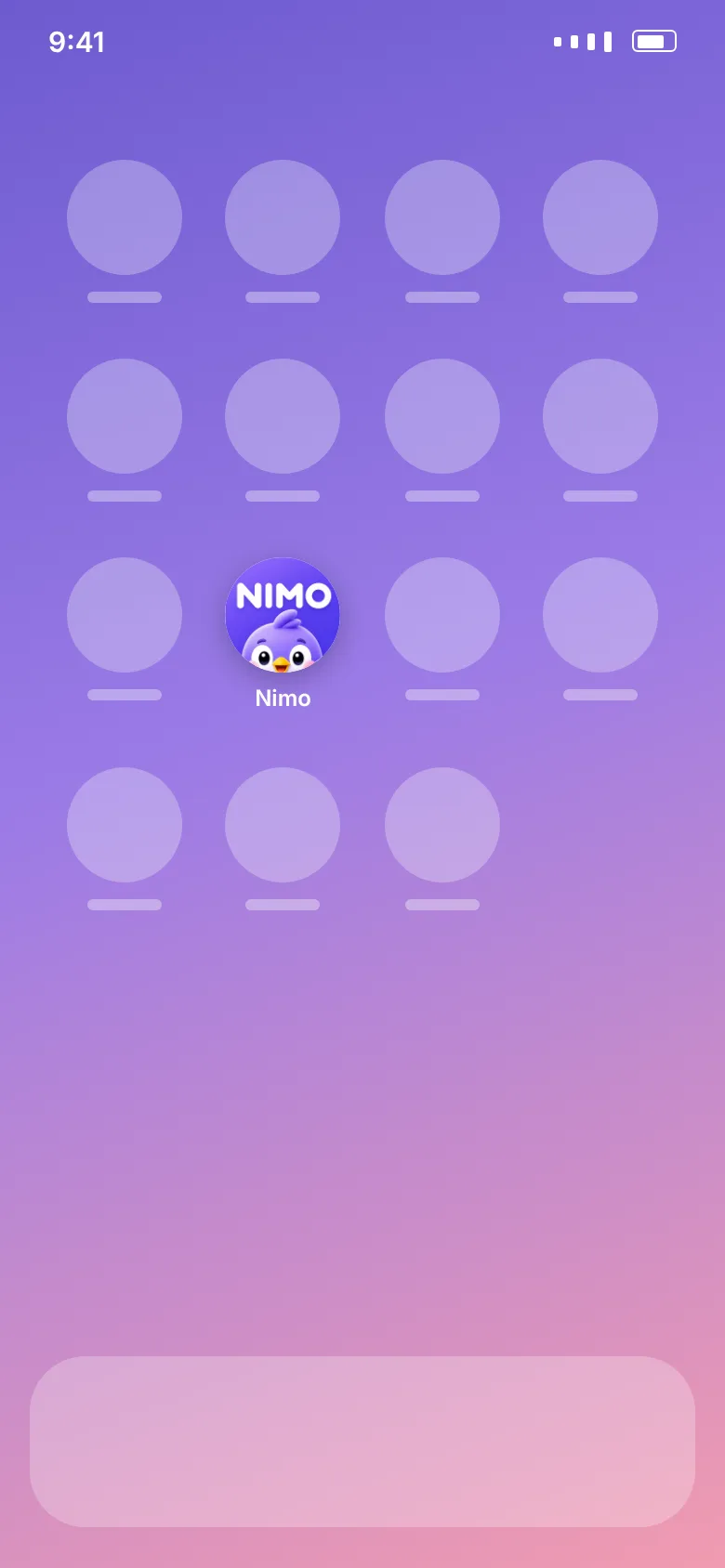
- Nimo is on your home screen. Tap it
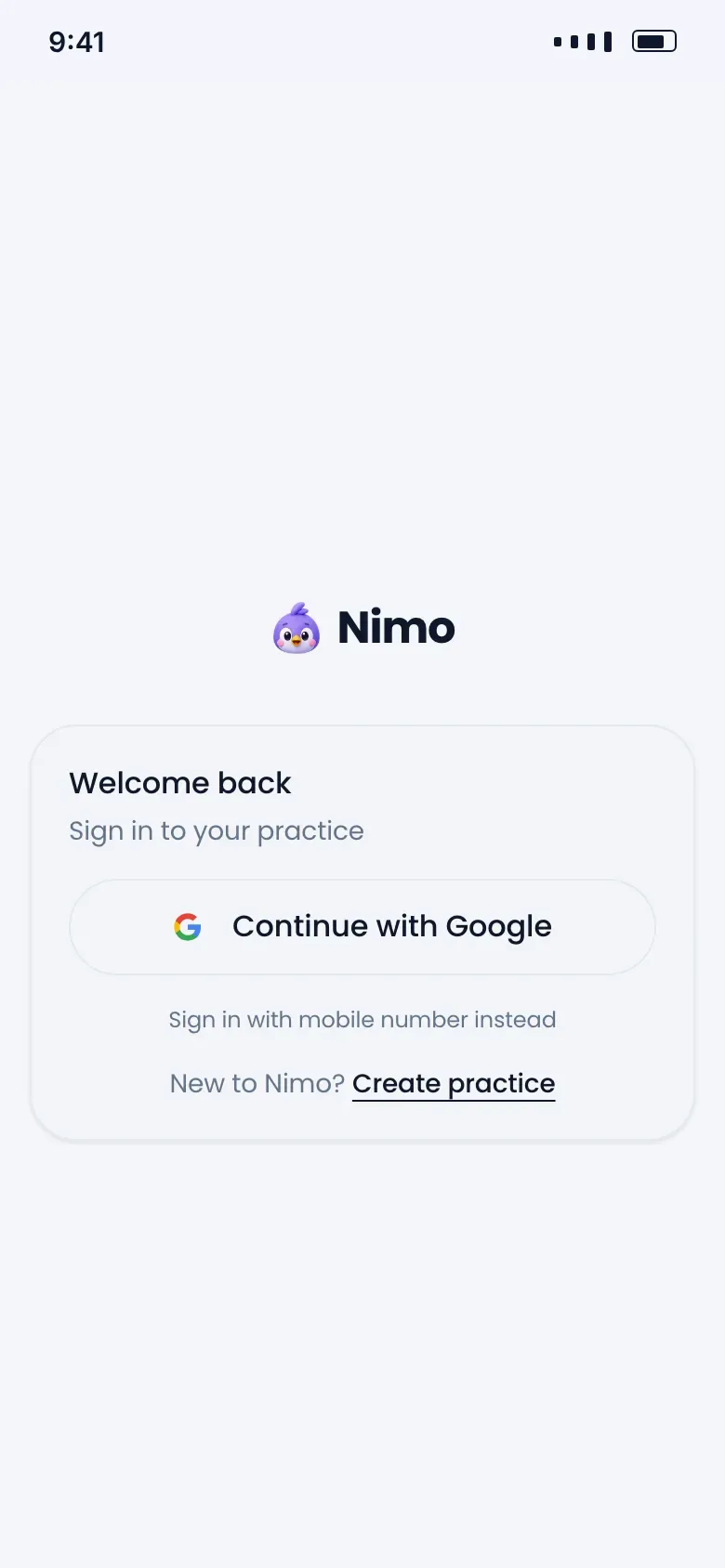
- Nimo opens full screen, like any app
- Open gonimo.in in Safari and sign in.
- Tap the Share button, the square with an arrow pointing up.
- Scroll down and tap Add to Home Screen.
- Tap Add.
Android (Chrome)
1
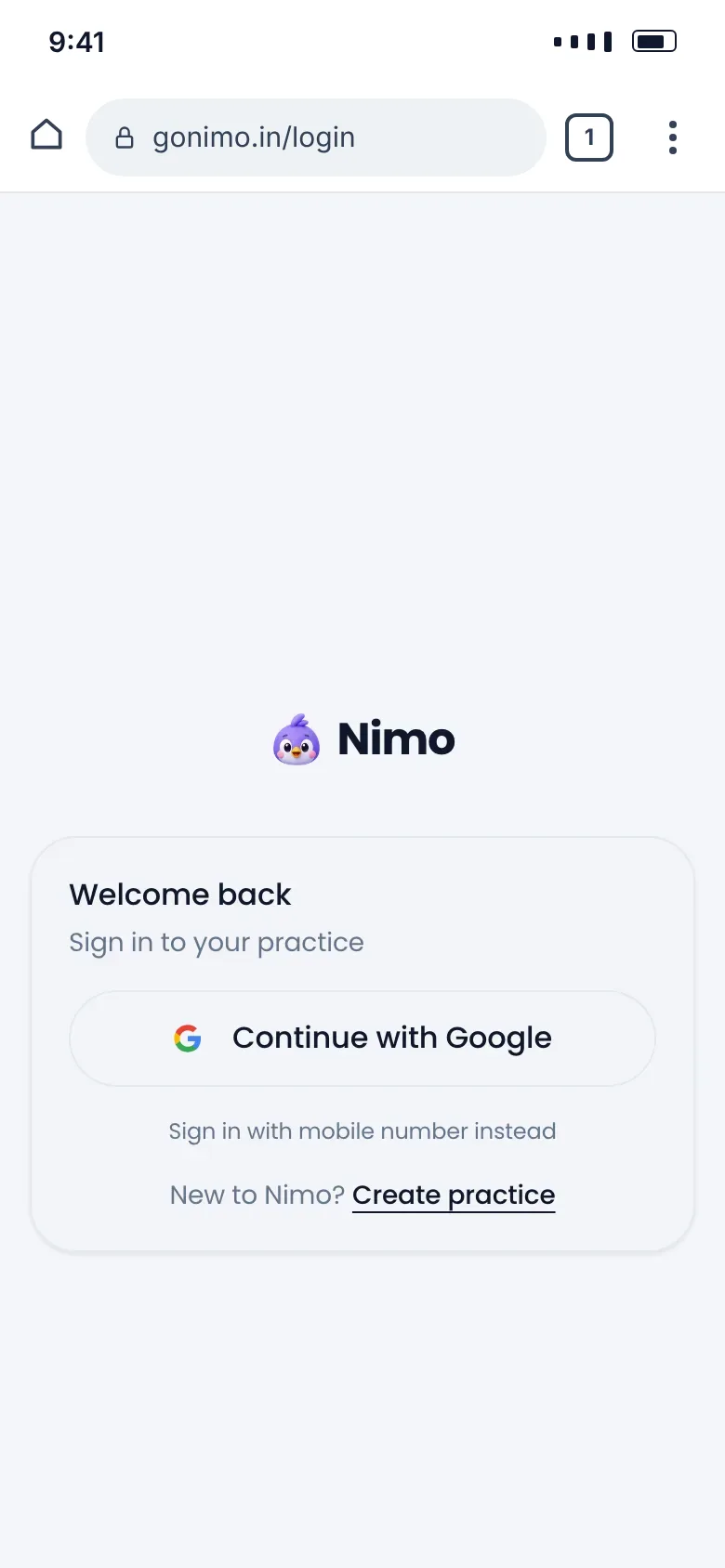
Open gonimo.in in Chrome and tap ⋮
- Open gonimo.in in Chrome and tap ⋮
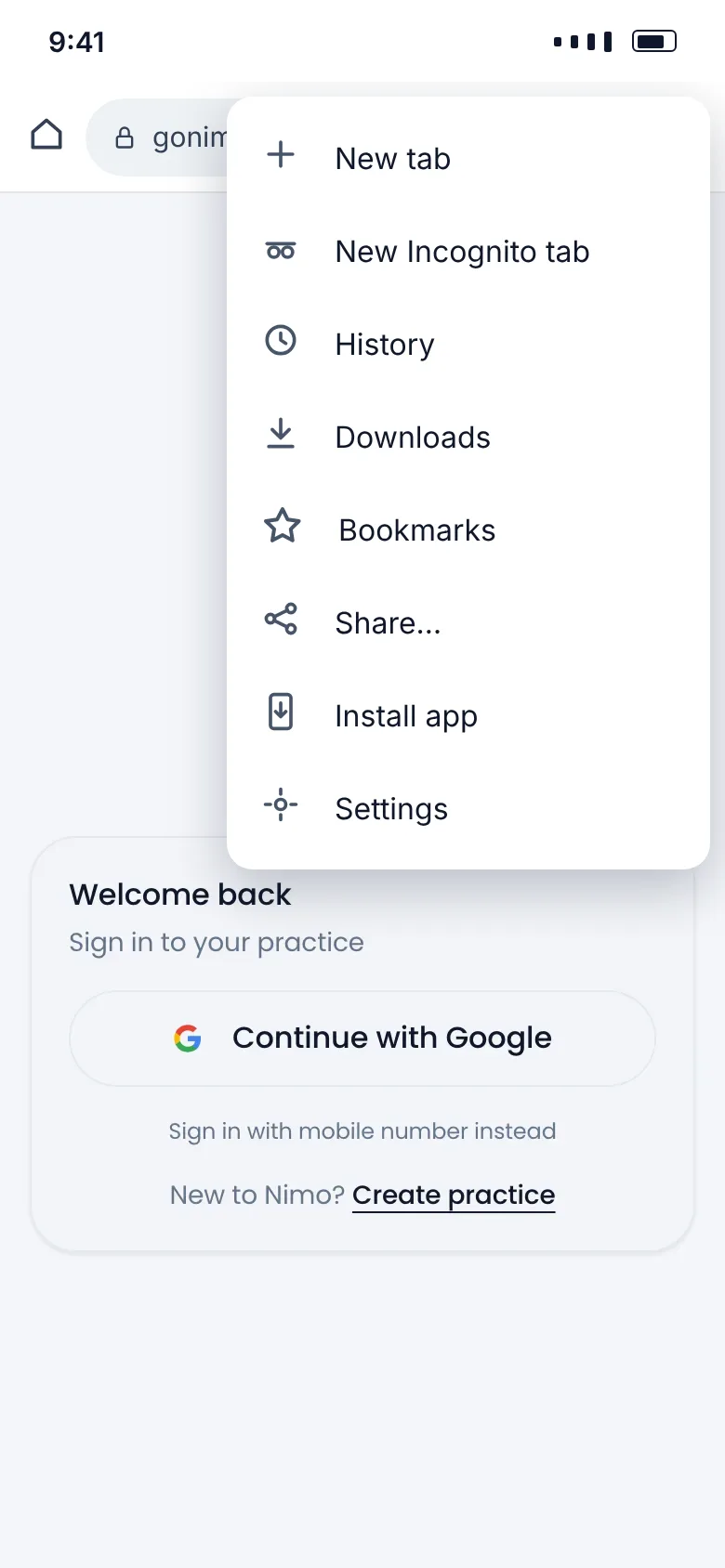
- Tap Install app (or Add to Home screen)
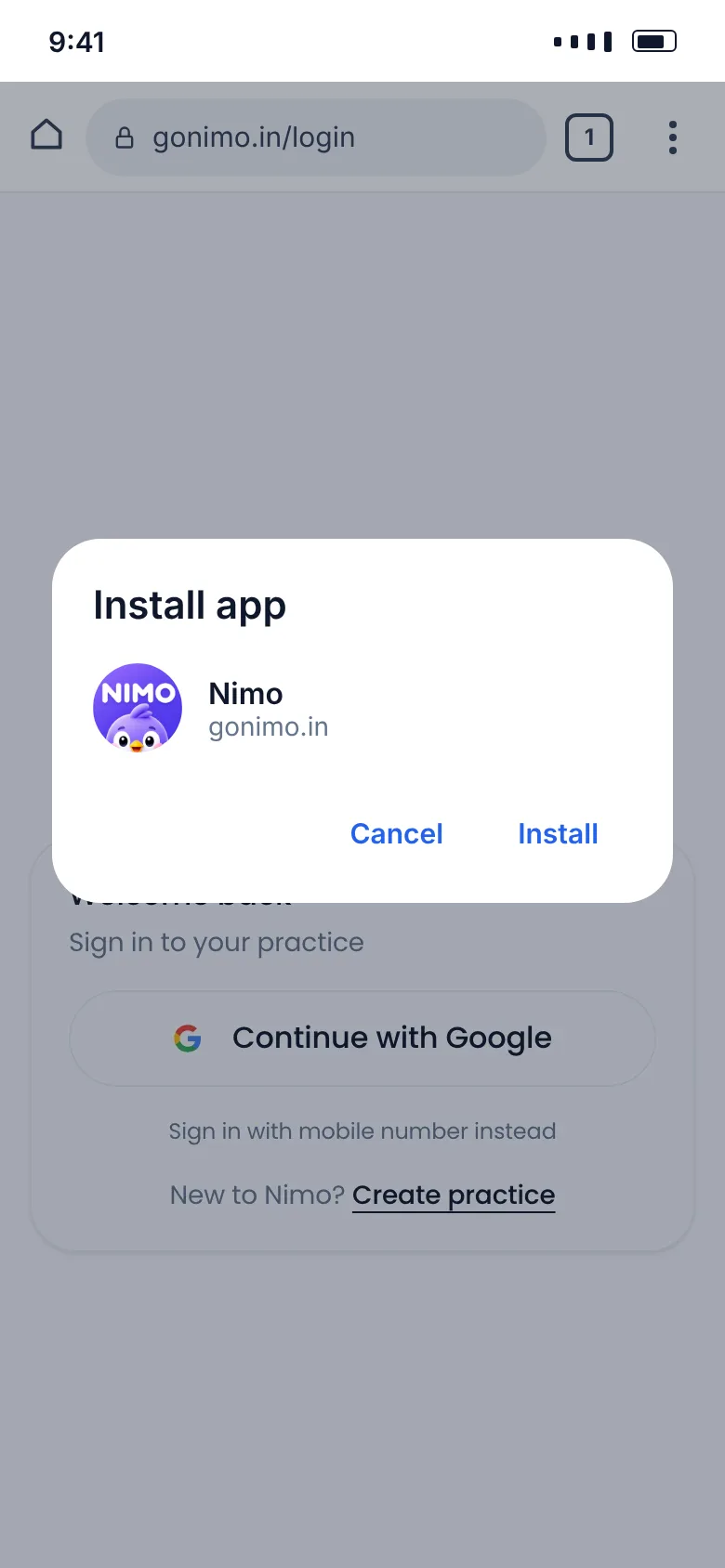
- Tap Install
- Nimo is on your home screen. Tap it
- Nimo opens full screen, like any app
- Open gonimo.in in Chrome and sign in.
- Tap the ⋮ menu at the top right.
- Tap Install app. On some phones it says Add to Home screen.
- Tap Install or Add.
Good to know
- Nimo won't ask you to install. There's no pop-up inside the app. Use the button or the steps above whenever you like.
- It always opens on Home, whichever page you were on when you added it.
- You still need the internet. Nimo doesn't work offline yet.
- No phone notifications yet. For new online bookings, connect Telegram alerts.
- You may need to sign in once more the first time you open it from the home screen, especially on iPhone. A passkey makes that a single touch.