
Nutrition
How to Share a Diet Plan With Clients on WhatsApp (Without the Blurry Photo)
The best way to send a diet chart to a client on WhatsApp. We compare a Word file, a photo and a link, and explain why a phone link plus a printout works best.
In most Indian nutrition practices, the diet chart reaches the client on WhatsApp. That isn't going to change, and it shouldn't. It's where clients already are. The question is what you send.
There are three common ways, and they behave very differently a week later.
Option 1: A Word or PDF file
You type the chart in Word, export it, and send the file.
What works: it looks tidy, and you have a copy on your computer.
What doesn't:
- The client has to download it and open it in another app. On many phones it opens zoomed out, and they pinch and scroll to find lunch.
- It sinks in the chat under everything that arrives after it.
- Your copy lives in a folder with names like
Priya_diet_FINAL_v3.docx, and you'll hunt for it at the next follow-up.
Option 2: A photo of a handwritten chart
You write the chart on a pad, photograph it and send the photo.
What works: it's fast, and it feels personal.
What doesn't:
- Handwriting plus phone camera plus WhatsApp compression is often hard to read, especially for older clients or the family member who does the cooking.
- It can't be searched, edited or reprinted cleanly.
- Your only record is a photo in a chat thread, or the carbon copy if you kept one.
Option 3: A link that opens the chart
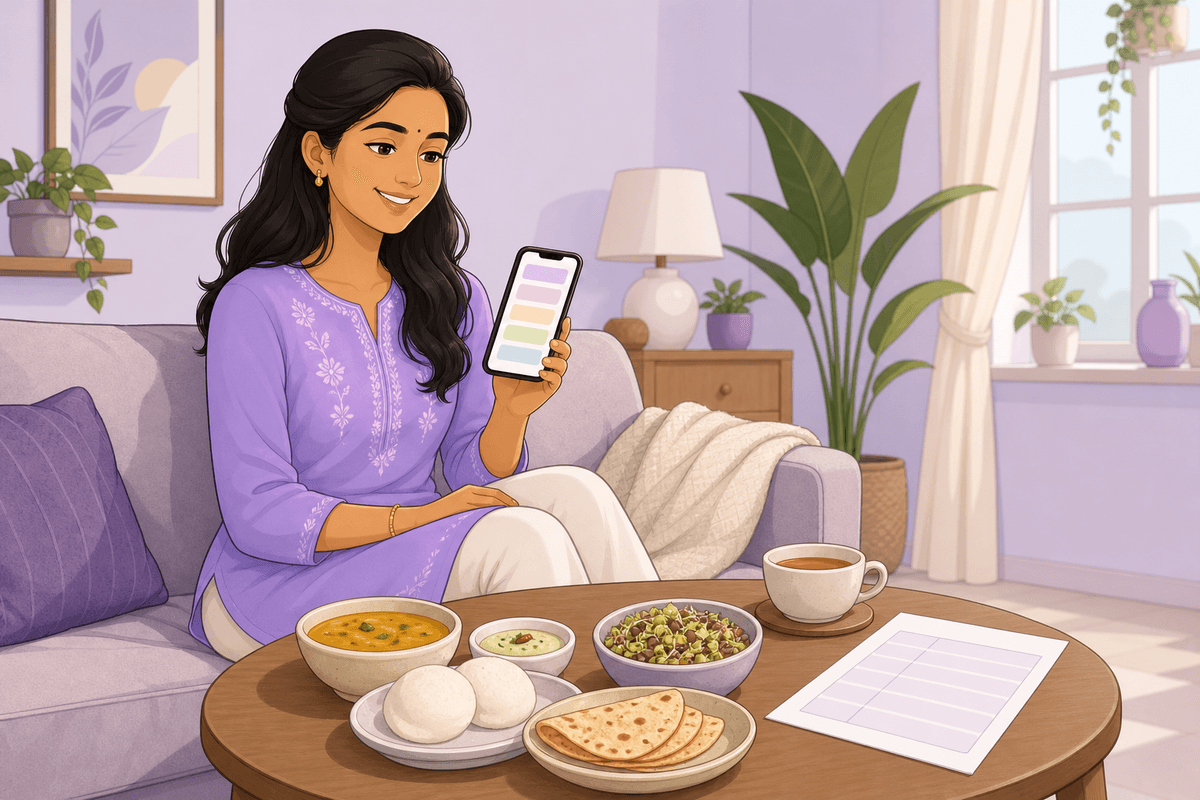
You send a link. The client taps it and the chart opens in their phone's browser: large text, one meal per line.
What works:
- No app and no login. It opens like any web page, on any phone.
- Readable at a glance, with no zooming into a scanned page.
- The client can find it again by opening the same link from the chat.
- Your copy stays in the client's record, not in a file you have to find later.
What to watch for: the client still needs something physical for the fridge. A link alone isn't enough for households where someone else does the cooking.
What works best: a link plus a printout
The combination that holds up best is:
- A link on WhatsApp for the client's own phone: office lunches, restaurant menus and the "what was I supposed to have at 4 pm" moment.
- An A4 printout handed over at the end of the consultation for the fridge door, where the whole family sees it.
Both should show the same chart, built from the same meal slots. (Our diet chart format for dietitians explains the seven-slot structure.)
A few WhatsApp habits that help
- Send it before the client leaves the room. Ask them to open it in front of you, so you know it works on their phone.
- Add one line of context: "Here's your diet plan. The fridge copy is in your hand." That makes it clear the two copies are the same plan.
- Send the new link after every follow-up, so the latest chart is always the most recent message, not one from three visits ago.
How Nimo does it
We built this flow into Nimo's diet chart app for dietitians. You fill in the diet plan in the visit note, meal by meal, in your own words. Then you tap Share care plan with patient and send the link through your phone's share sheet, to WhatsApp or SMS. The client opens it without an app or a login. The same plan prints as a clean A4 "Diet plan" page, and only the meals you filled in appear on either copy.
To be clear about what it doesn't do: Nimo shares the chart; it doesn't send automatic WhatsApp reminders, and it doesn't calculate calories or macros.
The short version
A photo is quick but hard to read. A Word file is tidy but hard to open and harder to find again. A link plus a printout gives the client a readable chart in both places and keeps your record in one place.
Want to see it on your own phone? Look at Nimo for nutritionists, or start free and send your first diet plan link today. Then read how to write a diet chart clients actually follow to make the most of it.